My Epic Identity Overhaul: How I Ditched the Cringe and Became a Fortnite Legend in 2026
Let me tell you, folks, there comes a time in every player's life when you look at your username flashing on the screen and think, "Who is that guy?" That was me back in 2025, staring at the ghost of my gaming past—a name so embarrassing it made my Victory Royales taste like defeat. It was time. Time for a total identity meltdown and rebirth in the Fortnite cosmos. And let me be your guide, because changing your name isn't just a menu option; it's a spiritual journey to the heart of your Epic Games soul. Trust me, after this, you'll feel like a brand-new legend dropping onto the island.
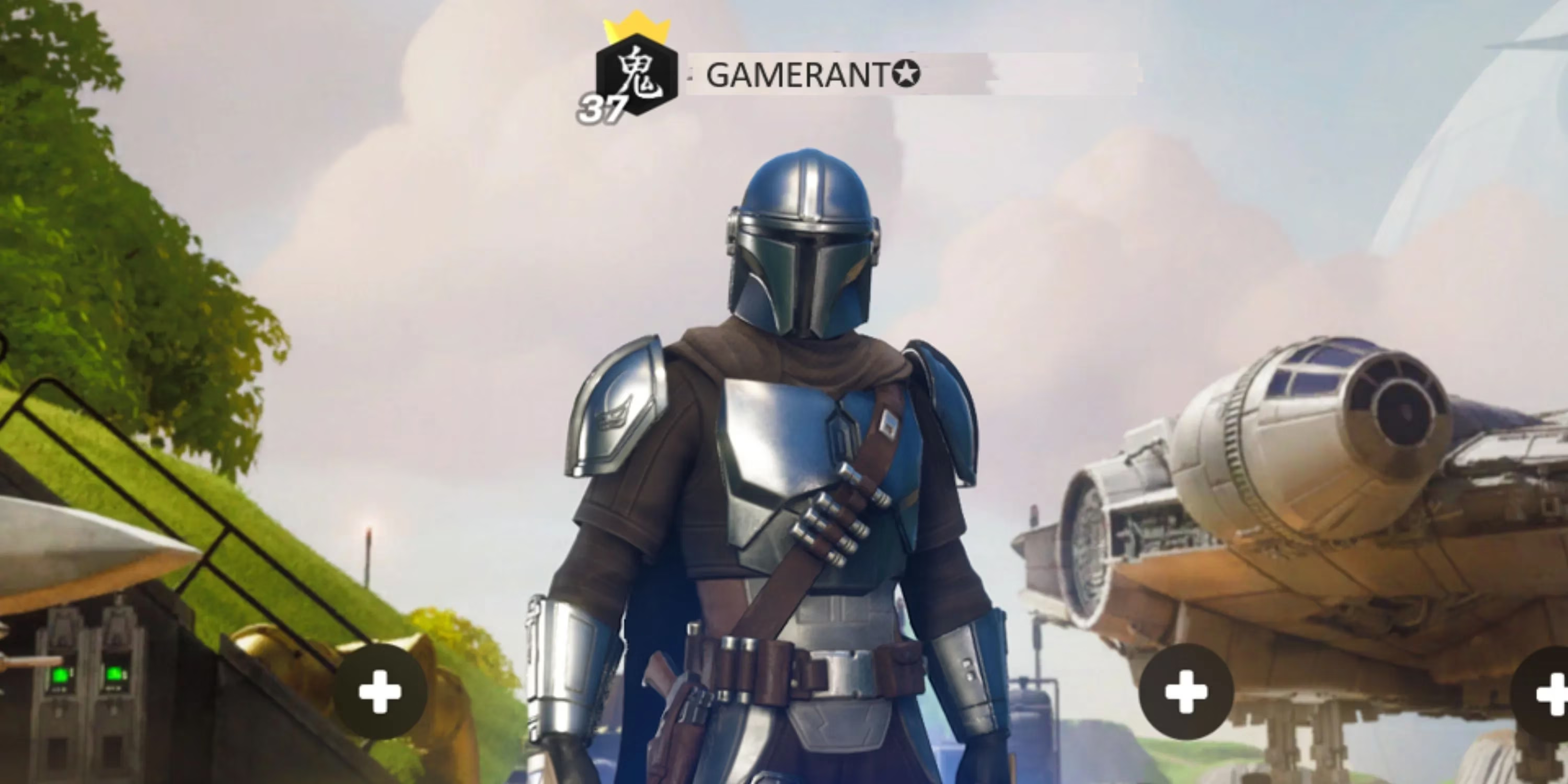
First things first, your Fortnite persona? It doesn't live on your PlayStation, Xbox, Switch, PC, or that fancy new neural-link headset they teased for 2026. Nah, it's chillin' in the cloud, tied directly to your Epic Games Account. Think of it as your digital birth certificate for the metaverse. If you've ever logged in on any device, you probably already have one, but if not... buddy, you've got some homework. You gotta make sure your gaming platform of choice is hitched to that Epic account wagon. It's the universal key to your new identity.
The Sacred Portal: Accessing Your Digital Self
Here's where the magic starts. You need to pilgrimage to the holy site: the Epic Games login page. This is your gateway. From there, you sign in using whatever platform you game on—be it console, computer, or toaster (if it runs Fortnite, I don't judge). The system's smart; it'll link everything up automatically faster than you can say "Lazarus is back!". Once you're in, you're not just a player anymore; you're an account holder with the power to sculpt your destiny. The main screen welcomes you, but you must venture deeper. Click on that Settings tab. This isn't just settings; this is the control room for your entire public persona in the Fortnite-verse.
The Moment of Truth: The Renaming Ritual
Now, take a deep breath. Scroll down past the basic info until you see it: Display Name. This humble piece of text holds your past, your cringe, your "xX_DarkShadow_Xx" phase. Next to it, you'll see a little blue pencil icon. That, my friend, is not an icon. That is Excalibur. That is the One Ring. That is your ticket to freedom. Click it!
A field opens up, blank, full of potential. This is your canvas. But beware! The universe has rules:
-
❌ Your brilliant new name CANNOT be already snatched up by some other clever soul. The system will shut you down faster than a default dance in a pro lobby.
-
✅ But here's the pro gamer move: you can spice it up with unique symbols! We're talking stars, arrows, crowns—the whole shebang. Where do you find these arcane glyphs? The internet, of course! There are entire websites dedicated to this art form. Just copy and paste your way to uniqueness. It makes your name pop in the kill feed like nothing else.
The Final Commitment and The Great Cooldown
You've typed it. You've symbol'd it. It's perfect. You hover over the Continue button. This is it. No going back. Well, actually, you can go back... but only after two whole weeks! That's right, Epic Games, in their infinite wisdom (or to prevent total anarchy), has decreed that you can only change your display name once every 14 days. So choose wisely! This name is your skin for the next fortnight (pun absolutely intended). Make it count. Click confirm, and... POOF! You are reborn.
Why This Matters More Than You Think in 2026
In today's hyper-connected, cross-platform, VR-compatible Fortnite world of 2026, your Display Name is your flag. It's how your squad finds you in the chaotic new Riftstorm game mode. It's what appears when you pull off that insane helicopter-snipe highlight clip that gets streamed across the metaverse. Shedding an old name is like finally taking off a heavy backpack you didn't know you were carrying. The confidence boost is unreal. You're not just "Player483"; you're 『𝒮𝓉𝑜𝓇𝓂𝒷𝓇𝑒𝒶𝓀𝑒𝓇』⚡ or NovaQueen 👑. You command respect before you even land.
So, what are you waiting for? That old name isn't you anymore. The process is a breeze, the payoff is monumental. Go on. Claim your throne. The island awaits its newest legend. 😉
| Step | Action | Pro Tip |
|---|---|---|
| 1. Foundation | Link platform to Epic Games Account. | Do this once, and you're set for life on any device. |
| 2. Access | Log into Epic Games & go to Settings. | This is your mission control. Remember the path. |
| 3. Creation | Click the blue pencil & enter your new name. | Use symbol sites for that extra flair—makes you memorable! |
| 4. Commitment | Click Continue to confirm. | No take-backs for 14 days, so love the name you choose! |
Honestly, doing this was one of the best moves I made. It's a new era, and you gotta look the part. Now if you'll excuse me, my new identity and I have a Victory Royale to secure. See you on the battlefield... if you can recognize me! 🚀